Just push this button.
So, how do you find out who has been looking at your home page?
You can't really find out WHO has been looking, the best you can do is find out what computers have been used to check out your page.
You can do this by typing in the command
grep keyword /s/httpd/logs/access_log
Where keyword can be your username, or a specific computer
For example
grep smith /s/httpd/logs/access_log
will find all the times a Web page with the name "smith" in it had been accessed, and what computer had accessed it.
Whereas -
grep ucla /s/httpd/logs/access_log
will show every time a computer from UCLA had accessed the CMGM web site
If you want to install a page counter, check out this page
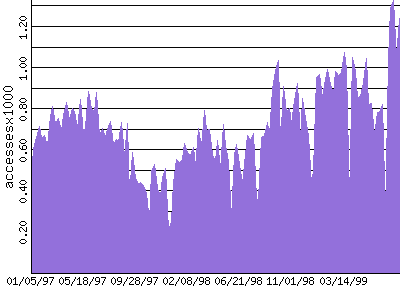
If you want to see how many people have accessed the CMGM web site
recently
Just push this button.
For more information about privacy on your Web Site
How many other computers are linked to your site?
|
|
|

